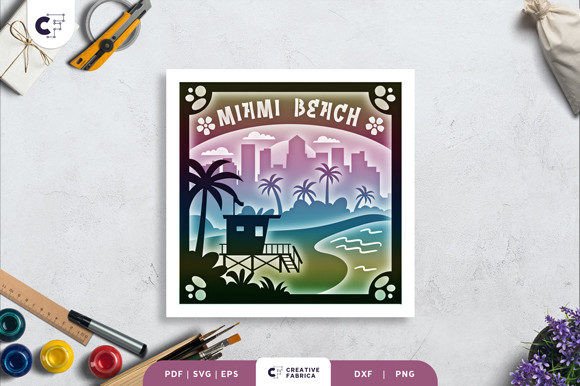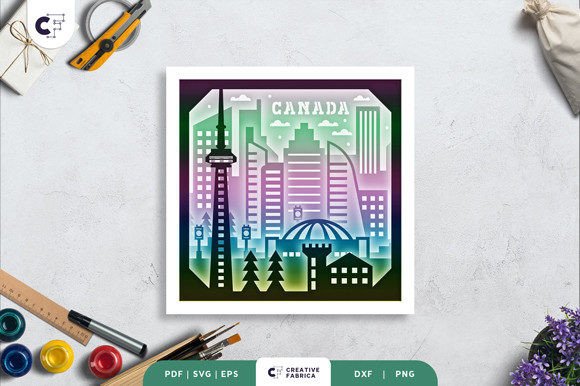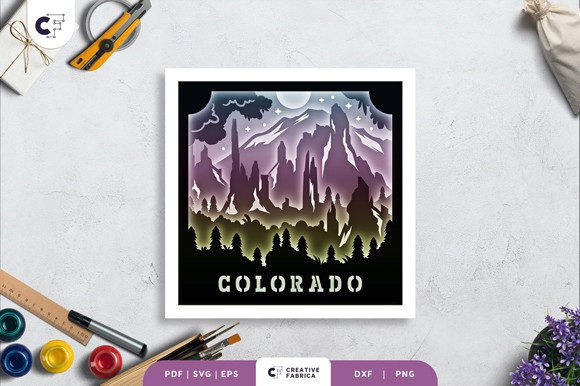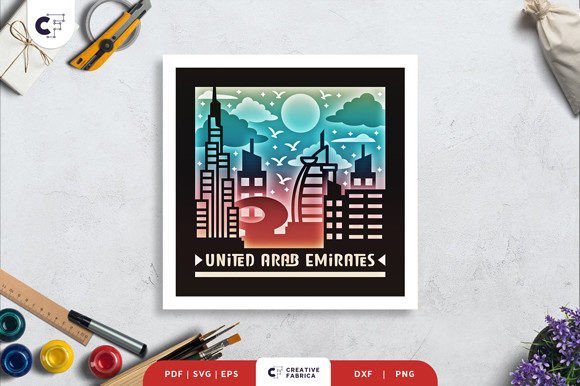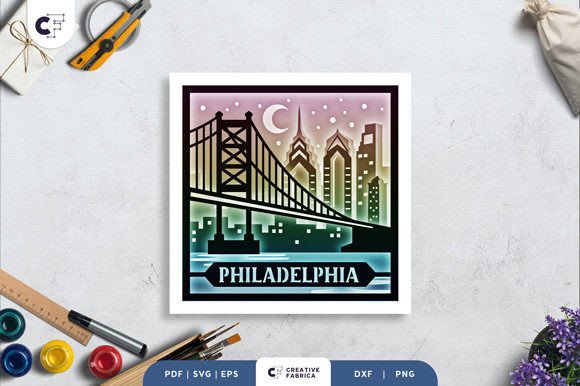
Philadelphia 3D Shadow Box Paper Cut
The Philadelphia 3D Shadow Box Paper Cut is a stunning, layered paper art template that captures the essence of the City of Brotherly Love in intricate detail. This square design features eight distinct layers that come together to create a dynamic, three-dimensional effect. Each layer is carefully crafted to showcase the iconic skylines and architectural elements that define Philadelphia's skyline, making it a perfect choice for crafters looking to add a touch of sophistication to their projects.
With a size of 20.32×20.32 cm, this template offers ample space for creativity while maintaining a manageable scale for most crafting setups. The design is available in multiple formats, including SVG, PDF, EPS, PNG, and DXF, ensuring compatibility with a wide range of cutting machines such as the Silhouette and Cricut. For those without a machine, the template can be easily cut by hand using an art knife or scissors, making it accessible to all skill levels.
What Makes It Unique?
The Philadelphia 3D Shadow Box Paper Cut stands out due to its detailed craftsmanship and versatility. The layers are designed to be assembled with glue or double-sided tape, allowing for a seamless integration of each element. The result is a visually striking piece that can be displayed as a framed wall decoration or enhanced with LED strips to create a glowing light box effect. This flexibility makes it ideal for both personal projects and commercial applications.
The visual characteristics of this design reflect a modern, artistic approach to paper cutting. The use of negative space and layered elements adds depth and dimension, creating a sense of movement and energy. The overall style is clean and professional, making it suitable for a variety of creative contexts. Whether used in editorial design, packaging, or digital graphics, the Philadelphia 3D Shadow Box Paper Cut brings a unique aesthetic that can elevate any project.
Where to Use It
This 3D paper cut is particularly effective in branding and marketing materials where visual appeal is essential. Its intricate details make it a strong choice for logo design, especially for businesses that want to convey a sense of creativity and craftsmanship. In editorial design, the template can be used to create eye-catching layouts that draw attention and engage readers.
In packaging design, the Philadelphia 3D Shadow Box Paper Cut can be incorporated into product boxes or promotional materials to add a tactile element that enhances the customer experience. For web design and social media graphics, the template can be adapted into digital assets that maintain the same level of detail and visual interest. Its adaptability ensures that it can be integrated into various platforms and formats without losing its impact.
For personal projects, this design is perfect for creating custom gifts or home decor. The ability to customize the colors and lighting effects allows for a personalized touch that can make any gift more meaningful. Whether used as a keepsake or a decorative piece, the Philadelphia 3D Shadow Box Paper Cut offers a unique way to express creativity and appreciation.
Choosing the Right Font
While the Philadelphia 3D Shadow Box Paper Cut itself is a standout design, pairing it with the right font can enhance its overall impact. When selecting a font, consider the personality and style of the design. A premium font that complements the intricate details of the paper cut can add a touch of elegance and professionalism.
For a more traditional look, a serif font might be appropriate, offering a classic and refined appearance. On the other hand, a sans serif font could provide a modern and clean aesthetic that aligns with contemporary design trends. If the project requires a more personal or artistic feel, a script or handwritten font could add a unique flair that sets the design apart.
When evaluating font pairings, it's important to consider readability and visual hierarchy. The chosen font should work well alongside the design elements of the Philadelphia 3D Shadow Box Paper Cut, ensuring that the overall composition remains balanced and cohesive. Testing different combinations can help identify the best match for the specific project.
Commercial licensing is another crucial factor to consider when using fonts in professional settings. Ensure that the selected font is properly licensed for the intended use, whether it's for print, digital, or commercial purposes. This not only protects the designer but also maintains the integrity of the project.
Practical Tips for Using the Template
To get the most out of the Philadelphia 3D Shadow Box Paper Cut, start by familiarizing yourself with the included formats. The SVG file is particularly useful for cutting with machines, as it allows for precise adjustments and resizing while maintaining the aspect ratio. This flexibility can be beneficial when adapting the design for different projects or scales.
When assembling the layers, take care to align each element correctly to ensure a seamless final product. Using glue or double-sided tape can help secure the layers in place, providing a stable structure that holds up over time. For those interested in adding a special effect, incorporating LED strips between the layers can create a captivating light box that highlights the details of the design.
Finally, remember that the Philadelphia 3D Shadow Box Paper Cut is not just a decorative piece but also a versatile tool for creative expression. Whether used in personal projects or commercial applications, it offers a unique way to bring Philadelphia's iconic skyline to life in a tangible and artistic form. With careful planning and execution, this template can become a valuable addition to any designer's toolkit.